
Regular fees, extra expenses and balances by unit.
For property and building managers who need a clear record of recurring common expenses and additional fees.
Talk to usHow property & common expenses works in Metis
A practical end-to-end example using the same Metis tools available across the platform.
Create the building schedule
RecurringCreate a Schedule for the building or common-expense period, for example Sunrise Residence 2027.
Add units
CustomersRepresent the responsible payer/unit as a customer and add it to the building schedule as a member.
Set the recurring contribution
RecurringDefine the regular common-expense amount and payment frequency for the membership.
Add one-off expenses
RecurringRecord lift maintenance, repairs or other exceptional charges separately from the normal recurring amount.
Record payments
PaymentsTake payments against the correct periods and fees while preserving a clear transaction history.
Track outstanding balances
RecurringUse Payment Status and Collections to see exactly which units still owe money and since when.
Share a digital record
RecurringGive the payer a secure read-only Digital Payment Card showing their own paid, due and upcoming amounts.
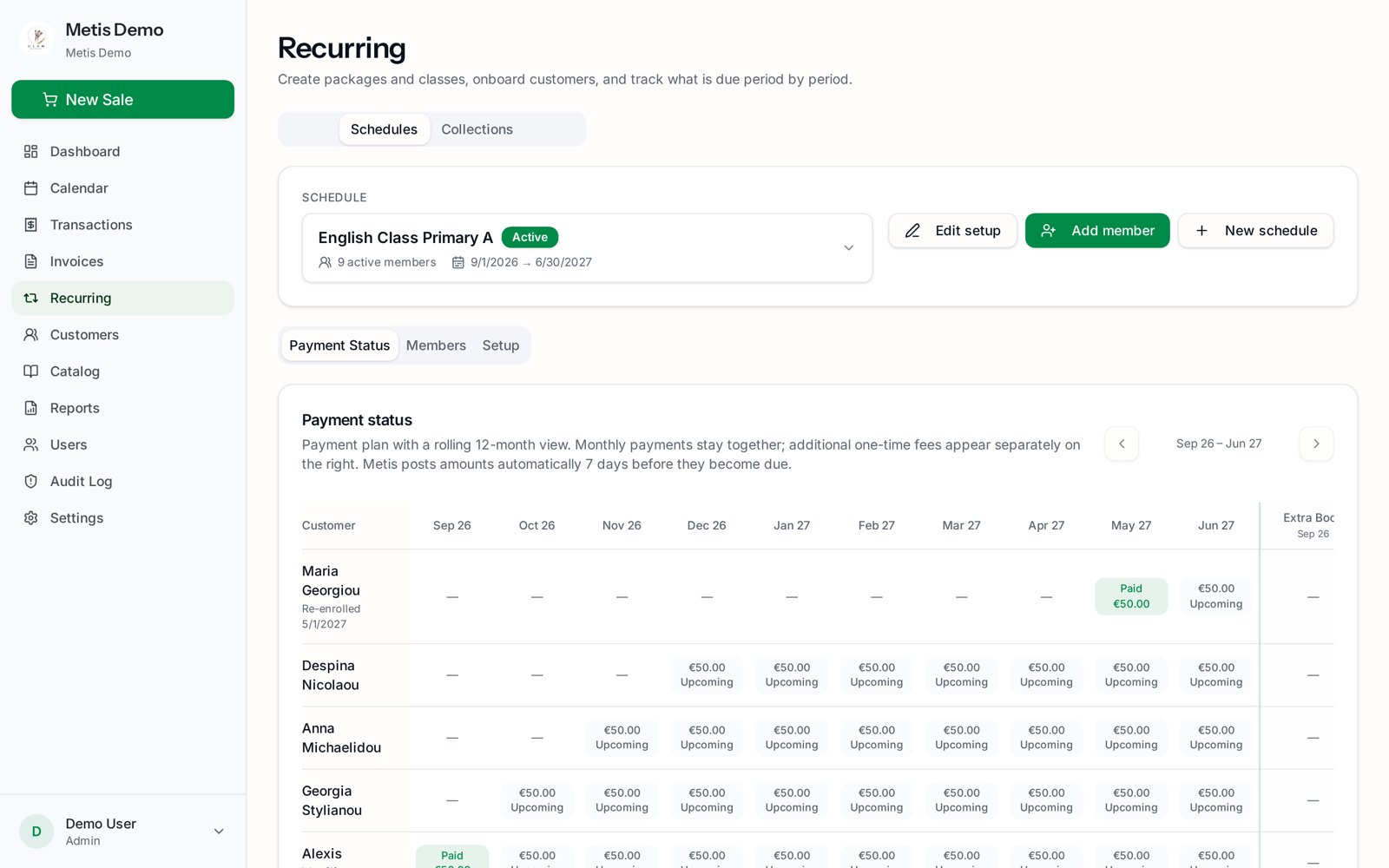
One platform, combined for this workflow.
See how Metis can work for property & common expenses.
Tell us how you work today and we’ll show you where Metis can simplify it.